Why Battery Life Declines
Phone batteries are lithium-ion, which naturally degrade over time with use. Every charge cycle slightly reduces the battery's capacity. After 300-500 full charge cycles, most phone batteries retain about 80% of their original capacity. While degradation is inevitable, your charging habits and usage patterns significantly affect how fast it happens.
10 Tips to Extend Battery Life
1. Keep Your Battery Between 20% and 80%
Lithium-ion batteries experience the least stress when kept in the middle of their charge range. Consistently draining to 0% or keeping at 100% for extended periods accelerates degradation. If you have the option, enable optimized battery charging in your phone settings, which delays charging past 80% until just before you typically unplug.
2. Avoid Fast Charging When You Do Not Need It
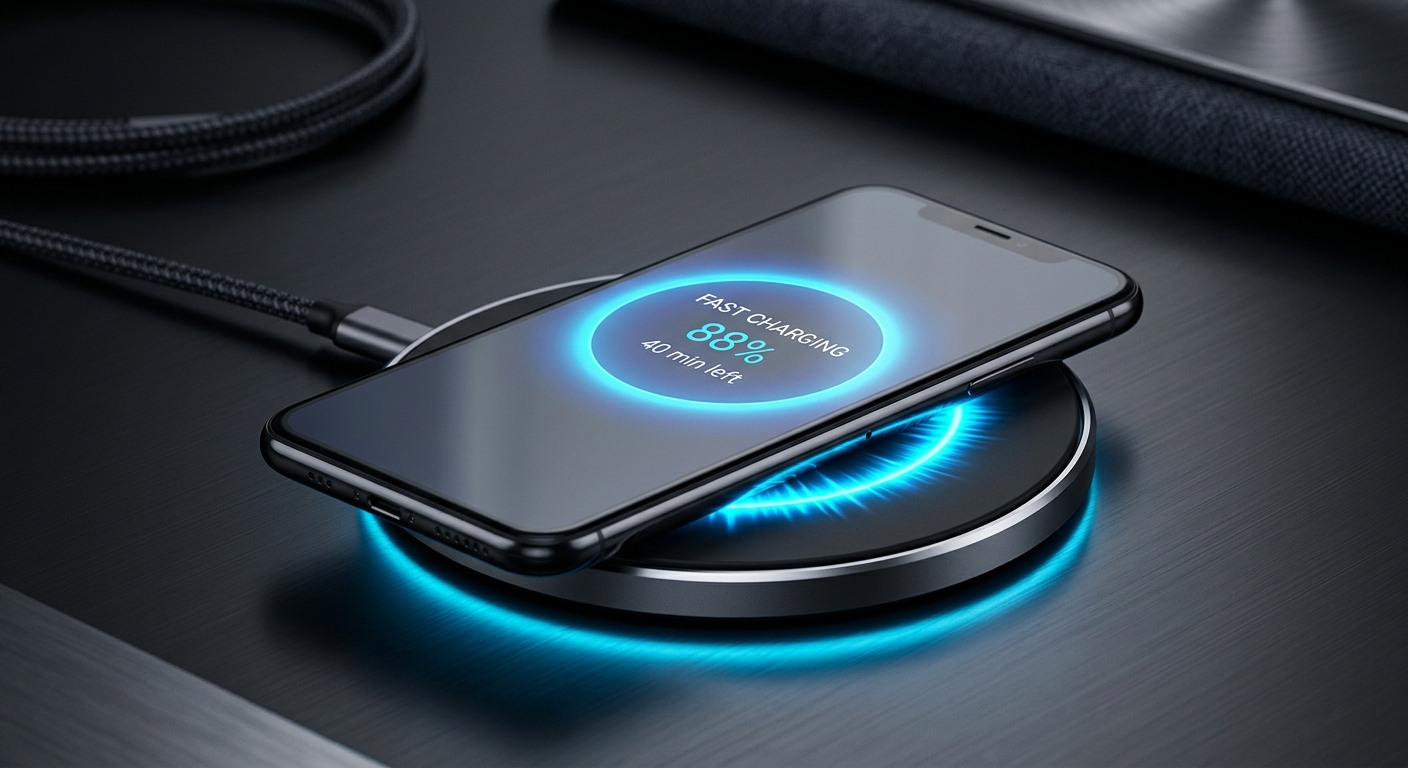
Fast charging generates more heat, and heat is the primary factor in battery degradation. For overnight charging, a standard 5W charger is actually gentler on your battery than a 65W fast charger. Save fast charging for when you genuinely need a quick top-up.
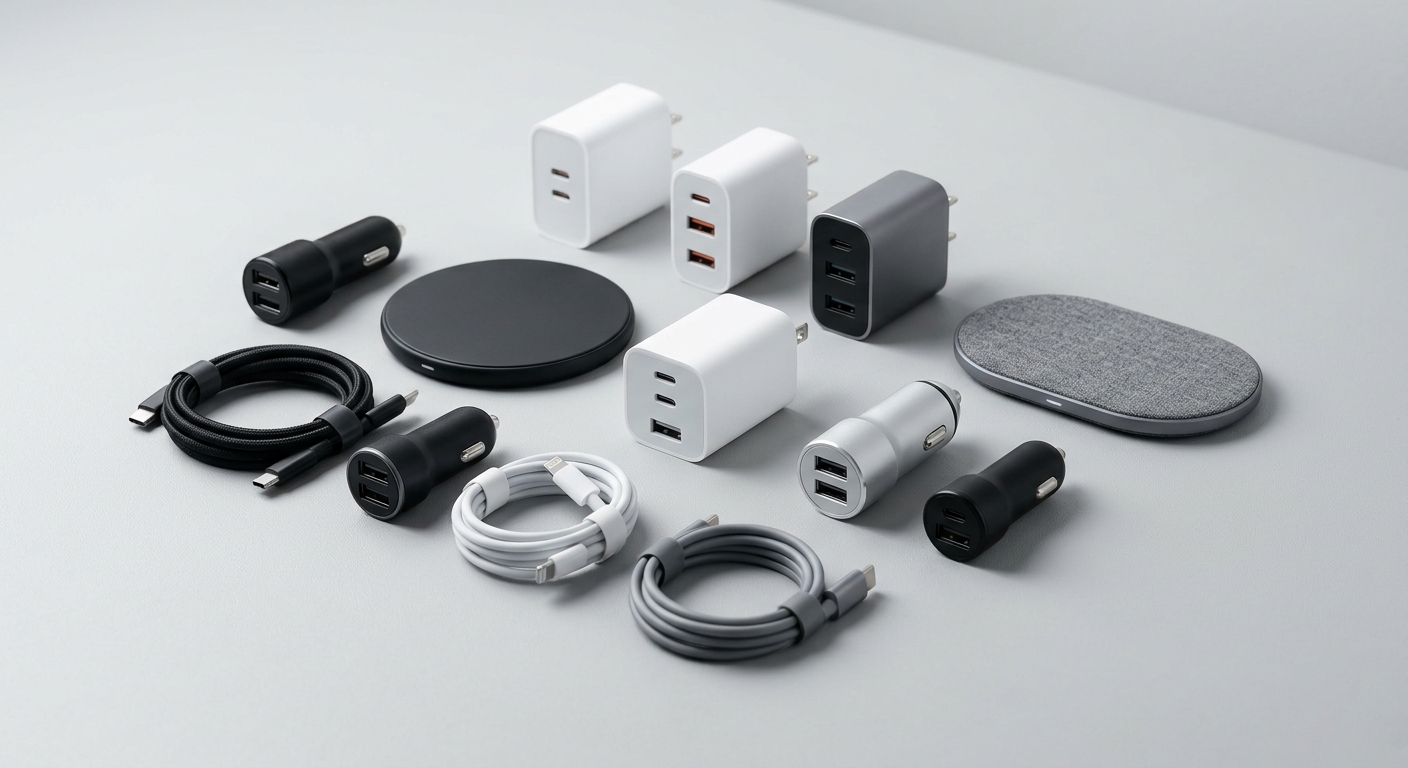
That said, having a fast charger available is important. The 65W GaN Wall Charger gives you the option to fast-charge when needed while running cooler than older silicon chargers.
3. Reduce Screen Brightness
The screen is the biggest battery drain on any phone. Reducing brightness by even 20% can extend battery life by an hour or more. Enable auto-brightness so your phone adjusts to ambient light, or manually set it to the lowest comfortable level.
4. Use Dark Mode
On phones with OLED displays (most modern iPhones and flagship Androids), dark mode saves significant battery. Black pixels are essentially off on an OLED screen, so a dark interface uses less power than a bright white one.
5. Disable Background App Refresh
Many apps continue to refresh content in the background even when you are not using them. This constant activity drains battery throughout the day. Go to your phone's settings and disable background refresh for apps that do not need real-time updates.
6. Turn Off Unused Radios
Wi-Fi, Bluetooth, GPS, and NFC all consume power when active. If you are not using Bluetooth headphones or a smartwatch, turn Bluetooth off. If you are not navigating, switch location services to battery-saving mode. Every radio you disable extends your battery life.
7. Keep Your Phone Cool
Heat damages lithium-ion batteries. Avoid leaving your phone in direct sunlight, on a car dashboard, or near heat sources. If your phone gets hot while charging, remove the case to help it dissipate heat. Charging in a cool environment extends battery lifespan.
8. Use a Quality Charger and Cable
Cheap, uncertified chargers can deliver inconsistent voltage that stresses your battery. They may also lack safety features that prevent overcharging. Always use quality chargers and cables from reputable sources.
Our 100W USB-C Cable and USB-C to Lightning Cable are built with proper power delivery management and reinforced connectors.
9. Carry a Power Bank Instead of Draining to Zero
When you are out and your battery is getting low, a power bank lets you top up before hitting 0%. This is better for your battery than a full drain. The Magnetic Wireless Power Bank snaps onto your phone for cable-free charging anywhere.
10. Update Your Phone's Software
Software updates often include battery optimization improvements. Running the latest version of your phone's operating system ensures you benefit from the most efficient power management algorithms.
When to Replace Your Battery
If your phone barely lasts half a day on a full charge, it may be time for a battery replacement. Most manufacturers offer battery replacement services. Alternatively, a high-capacity power bank like the Solar Power Bank can extend your phone's usable life until you are ready to upgrade.
Shop our Chargers & Power collection for quality chargers, cables, and power banks that keep your battery healthy.