The Shift from Lightning to USB-C
Apple's transition from Lightning to USB-C marks the end of an era for the proprietary connector that debuted in 2012. With the iPhone 15 lineup adopting USB-C, the industry has effectively unified around a single charging standard. But what are the practical differences between USB-C and Lightning, and what does the transition mean for you?
Charging Speed
USB-C supports significantly higher power delivery than Lightning. While Lightning is limited to around 12W for wired charging, USB-C with Power Delivery can handle 100W or more. In practice, this means USB-C iPhones can charge faster when paired with a high-wattage PD charger.
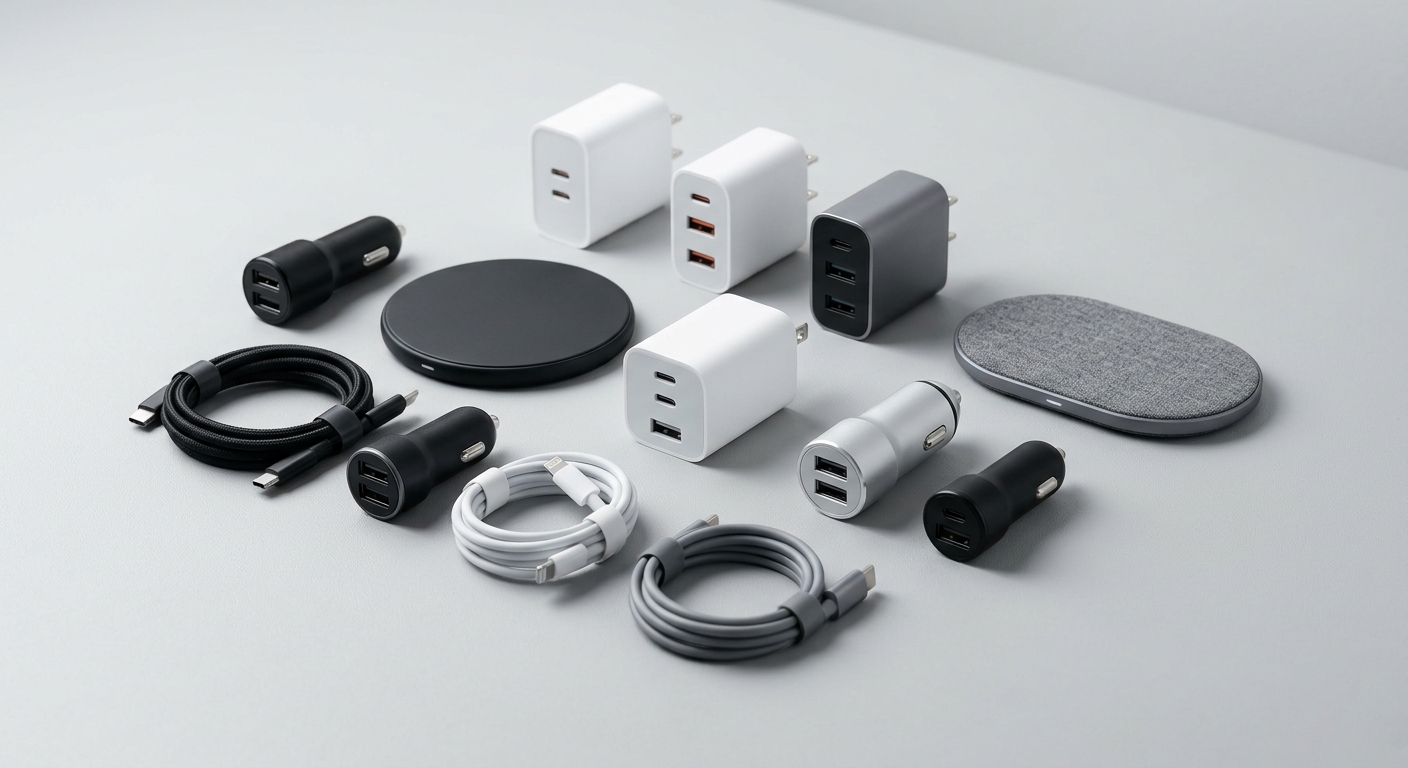
If you are upgrading from a Lightning iPhone to a USB-C model, you will need new cables. The USB-C to Lightning Cable is useful if you still have Lightning devices, while the USB-C to USB-C Cable is what you need for newer iPhones and Android devices.
Data Transfer Speed
USB-C offers substantially faster data transfer. Lightning is limited to USB 2.0 speeds (480 Mbps), while USB-C can support USB 3.2 speeds (up to 20 Gbps) and even Thunderbolt 4 (40 Gbps). For most users, this difference matters when transferring large video files or backing up a phone to a computer.
Durability and Design
Both connectors are rated for thousands of insertion cycles, but they differ in design philosophy:
- Lightning: Exposed pins on the connector, with the spring-loaded contacts inside the port. The connector itself is relatively sturdy, but the port can accumulate debris.
- USB-C: Spring-loaded contacts are on the connector side, protecting the port. The center pin tongue in the port is the most fragile part, but overall USB-C is considered more durable.
For durability in cables, braided nylon jackets significantly extend lifespan. Both our USB-C to Lightning and USB-C to USB-C cables use braided nylon with reinforced connectors to prevent fraying.
Compatibility and Convenience
USB-C's biggest advantage is universality. One cable can charge your phone, tablet, laptop, headphones, and power bank. This simplifies your cable collection dramatically. Lightning, by contrast, only works with Apple devices.
If you have a mix of old and new devices, you may need both cable types temporarily. A USB-C to 3.5mm adapter can also help bridge the gap for audio accessories.
Which Should You Choose?
If you are buying new devices or cables today, USB-C is the clear choice. It is faster, more versatile, and future-proof. If you still use Lightning devices, keep a quality Lightning cable on hand but start building your USB-C collection.
Shop our complete cable selection in the Cables & Adapters collection.